⏱ Estimated reading time: 5 min read
A game asset production pipeline needs two distinct decisions: approval of the artwork and acceptance of its appearance in a build. A source file can look right while its export leaves a visible gap between neighbouring tiles. Approve the visual direction first, then accept the delivered asset only after checking it in a named, versioned build.
For a small indie team, the practical requirement is a clear hand-off. Someone owns the artwork, someone reviews the import, and QA checks the result the player will see. One person may cover several roles, but each decision still needs its own evidence.
Give the asset a precise job
Consider a planned teaching example from Lantern Post: elbow path tile LP-ART-07. In this example, the game design document, or GDD, defines its scope as depicting a path bend and reporting its connector directions. Its unrotated connectors face north and east. Level data and code own the connection logic.
That boundary matters during review. The artist must make the path meet the specified edges cleanly. The artwork does not decide whether a route is connected. If route status is difficult to understand, an icon or text treatment belongs to a separate UI task.
The chosen delivery is a 128 × 128 PNG with RGBA colour, including an alpha channel for transparency. It has a centred pivot, the point around which it rotates, and transparent pixels outside the silhouette. These dimensions and pivot are project choices, not platform standards.
Make the review loop visible
GDD brief → Sketch and artwork approval → Source edit and export → Engine import → Scene and in-build visual checks → QA acceptance
Failed check → Return to the responsible owner → Correct source, export or import settings → Repeat affected checks
Sketch approval settles the shape, style and intended reading of the tile. It gives the artist a stable direction for finishing the source. It does not establish that the exported image will align correctly after import.
The technical artist or developer then reviews the import against the hand-off. In Unity 6, the Sprite texture type exposes settings including mode, pixels per unit and mesh type, with some options depending on the configuration. Record the settings the project actually requires. Do not assume that selecting Sprite alone completes the setup.
Carry the requirements with the export
This filled card describes the fictional hand-off and its planned revision sequence. The v1 return illustrates a review finding. The v2 correction remains subject to import and build checks.
| Field | Recorded value |
|---|---|
| Asset and scope | LP-ART-07, elbow path artwork. Connector directions north and east before rotation. Connection logic belongs to level data and code. |
| Owner and review | Owner: artist. Reviewer: technical artist or developer. Final visual acceptance: QA in a versioned build. |
| Delivery | Editable source file plus PNG export, RGBA, 128 × 128 pixels. Transparent outside the silhouette. |
| Placement contract | Centred pivot. Rotation about the centre. Path junctions at the midpoints of the relevant edges. |
| v1 review example | Return to artist: transparent padding shifts the visual junction away from its neighbour. |
| v2 planned correction | Correct the canvas placement in the source and re-export. Submit source and export together as v2. |
| Acceptance gate | Pending. Check v2 in all four orientations with straight and elbow neighbours, then record the tested build version and QA decision. |
Check the junction, not just the tile
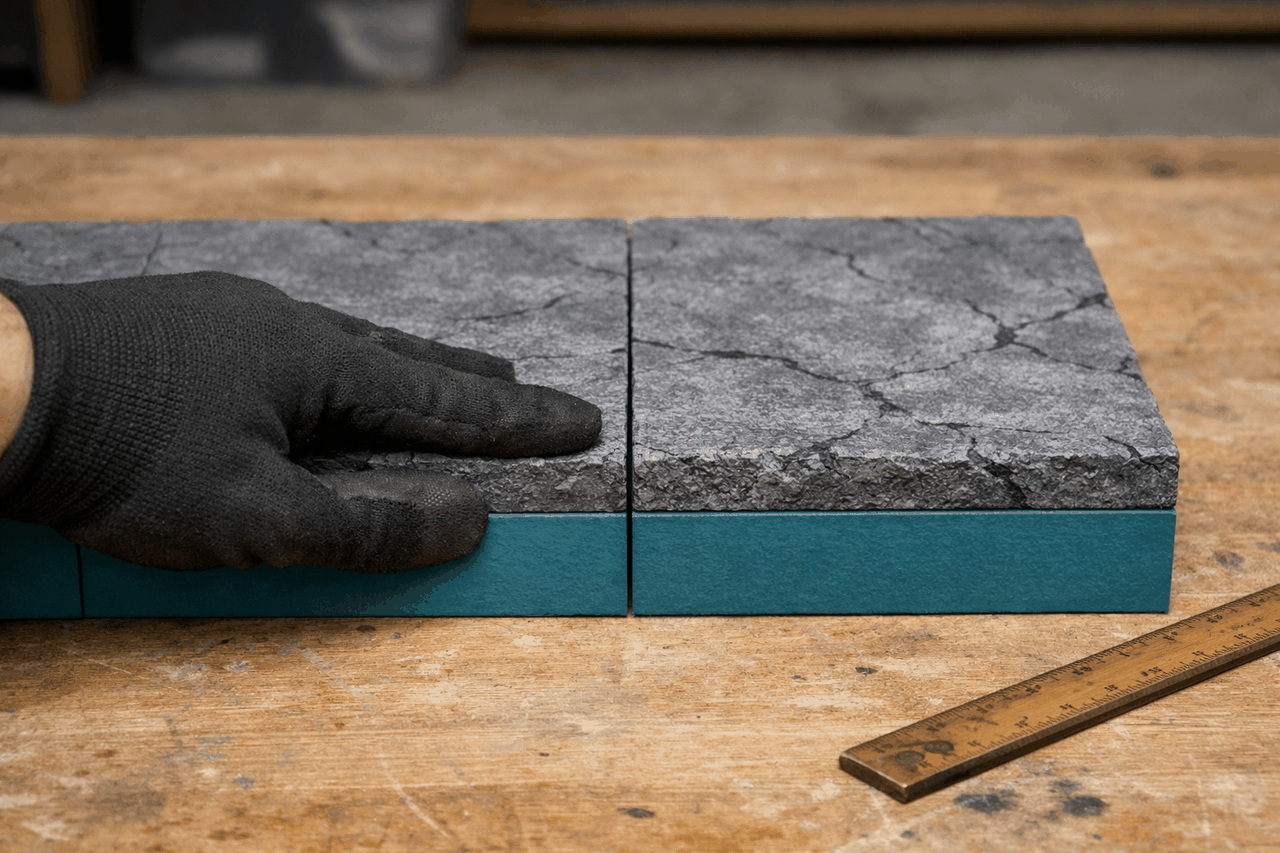
In the v1 illustration, the path bend looks convincing on its own. Extra transparent padding on one side places the visible path opening away from the required edge midpoint. The canvas can sit correctly on the grid while the artwork inside it still misses its neighbour.
Wrong relationship: the straight neighbour reaches the middle of the shared edge, but the elbow’s visible opening sits above that point. The two tiles occupy adjacent cells, yet the path appears broken.
Correct relationship: both visible openings meet at the same midpoint on the shared edge. Turning the elbow around its centre preserves that relationship for each intended connector.
The planned v2 fix belongs in the source canvas and export. Moving individual tile instances in the scene would leave the underlying delivery inconsistent. After re-export, the reviewer would check all four orientations with straight and elbow neighbours. QA would then repeat the relevant visual checks in the versioned build.
Close the hand-off with a build decision
Acceptance should identify the asset version, the build version and the checked arrangements. A source approval remains useful, but it cannot stand in for that record.
Send failures to the owner who can correct them. Misplaced artwork returns to the artist. Incorrect import settings return to the technical reviewer. A route that looks connected but fails the connection rule needs investigation in level data or code. Within the wider game production pipeline, this keeps a visual correction from turning into an unrelated redesign and gives the next person a clear starting point.